





“What a fantastic experience we had walking around! Great fun! The ebook is amazing! Well done! ”
Laura Silva, Trustpilot
Superpowered dinosaurs are hatching all over town, and they need a brave explorer to find them! 🦖⚡
Dinosaur eggs from two different prehistoric eras have been discovered in shop windows. Your mission is to explore the Triassic Route and the Jurassic Route, meeting five unique dinosaurs on each. Hunt down the eggs, learn fascinating dino-facts, and watch as these ancient beasts burst to life in your world!
Your Explorer Mission:
🗺️ Choose Your Era: Explore two distinct routes—the Triassic Route and the Jurassic Route (5 dinosaurs on each).
🥚 Hunt for 10 beautifully decorated eggs hidden in shop windows.
📱 Scan the QR codes to hatch the dinosaurs in stunning AR.
🎁 Win Digital Prizes: Complete either route to unlock a special digital prize pack.
🏆 The Grand Prize: Complete BOTH routes (all 10 dinosaurs) to earn your “Dino-Expert” title and collect a free sticker!
(Physical stickers available while stocks last).
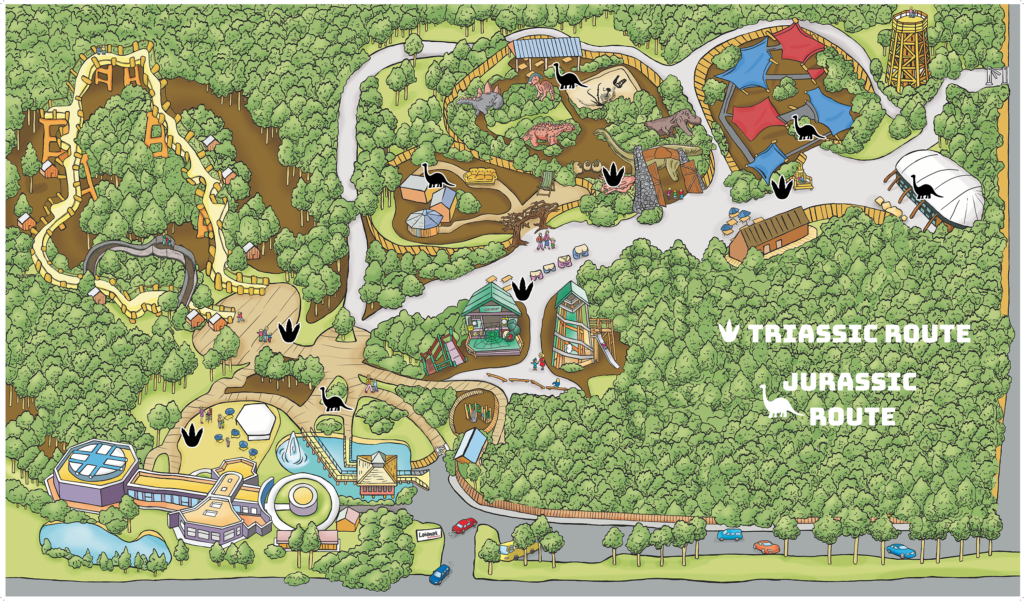
Welcome to the team, Explorer! There are 10 mystery eggs in total, split across two eras. You can start with whichever route you like—just use your local map to see where the Triassic and Jurassic dinosaurs are hiding.
To start your prehistoric safari, simply:
🗺️ Pick a Route: Use the map to find the 5 eggs for the Triassic Route or the Jurassic Route. You can visit the stops in any order!
📱 Scan the Code: When you find an egg, scan its QR code with your phone’s camera to hatch the dinosaur and add a stamp to your collection.
✨ Reveal the Dino: Tap the ‘OPEN AR’ button to see the dinosaur appear in the real world.
🎁 Get Your Rewards: * After 5 Stamps: Once you finish one route, you’ll unlock your first digital prize pack!
After 10 Stamps: Once you finish both routes, you’ll unlock a second digital prize and can claim your official sticker!
Before setting off on the trail we advise you to try out the AR functionality of your phone. Most modern smartphones do have this capability now but there are some that still don’t support it. From a smartphone only, click on this link or scan the below QR code to try it out now.
If you don’t see a ‘see me in AR’ button on the next page then it’s likely your phone doesn’t support AR yet and you’ll need to use an alternative device for this element of the trail.